Make a container image
A container build turns a root filesystem into a container image and pushes it to a registry. Builds > Container builds, then +.
Field |
What to put |
|---|---|
Name |
For example |
RootFS build |
The root to make the image from. It must have succeeded. |
Image |
Where the image goes: your registry’s address, then a name and a tag: |
Push secret |
The login to push with, chosen from your logins (see Registries and logins). It must be for the host of the image’s address. |
Entrypoint |
The program to run, alone, one argument per line. |
Cmd |
Its arguments, one per line. |
Env, Workdir, User |
Environment variables ( |
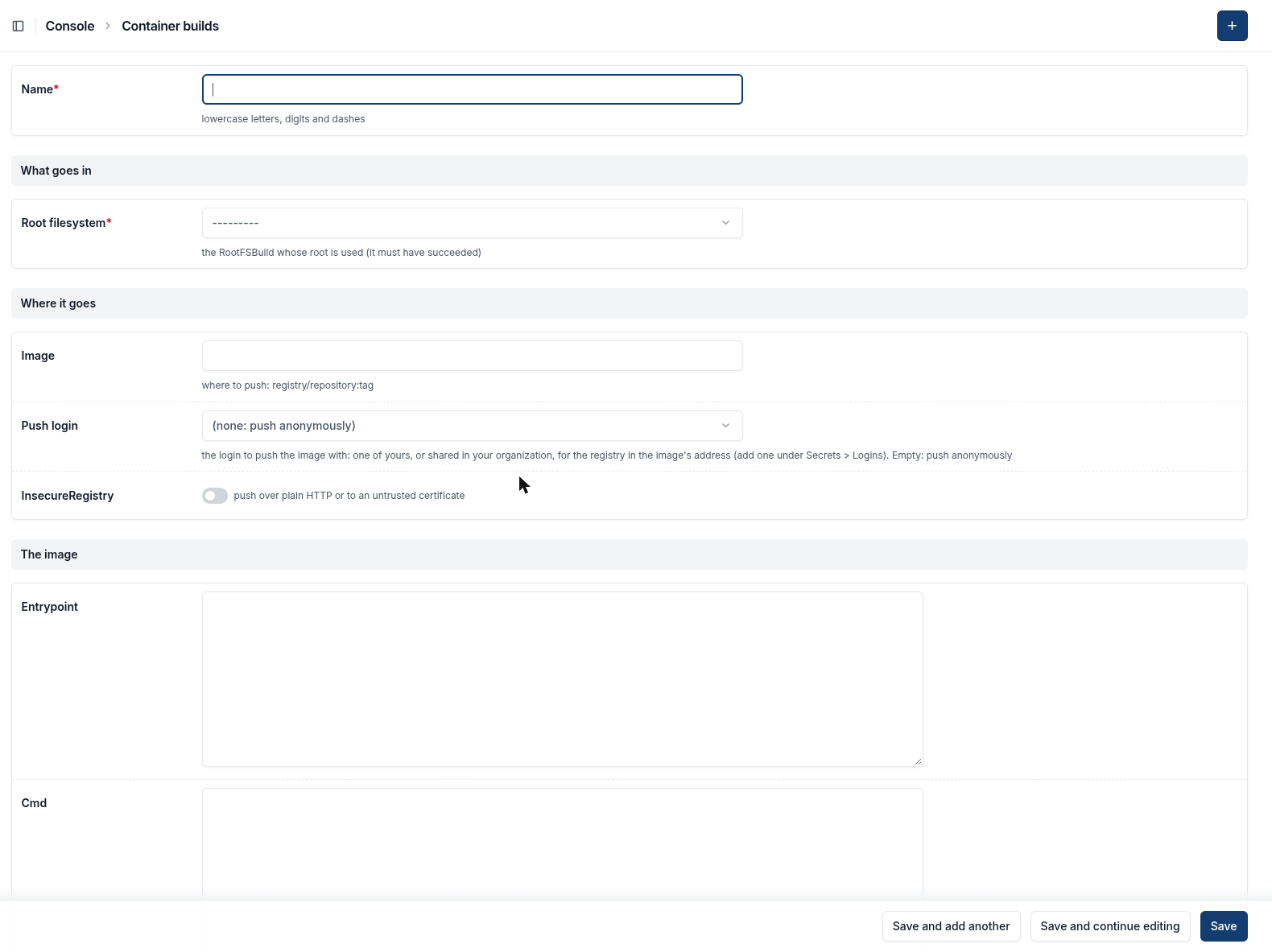
The form: the root, where the image goes, the login to push with, and the entrypoint and arguments.
Entrypoint and arguments
The image has no shell, so name the program itself. For nginx, type only /usr/sbin/nginx as the entrypoint (one line, nothing after it), and put
the arguments in Cmd, each on a line of its own:
-e
stderr
-g
daemon off;
A whole command line on one line is read as the name of one program that does not exist, and the container fails with
no such file or directory. kaji refuses it when you save.
User: a bare image has almost nothing in it and no user database. Started as root, nginx looks up the user nginx to switch to, finds none
and stops. Run it as an ordinary user: 1000:1000.
When it succeeds
The image is in your registry, pinned by its digest. To run it, log in to your registry first (the password is shown once when you make the registry), then:
docker login <address of your registry> -u push
docker run --rm --user 1000:1000 -p 8080:8080 \
  -v ./etc-nginx/nginx.conf:/etc/nginx/nginx.conf:ro \
  --entrypoint nginx <address of your registry>/nginx:1 \
  -e stderr -g "daemon off;"
If the push is refused by a busy registry, kaji tries again by itself. If it fails for good, a Retry button next to Delete puts the build back to Pending.